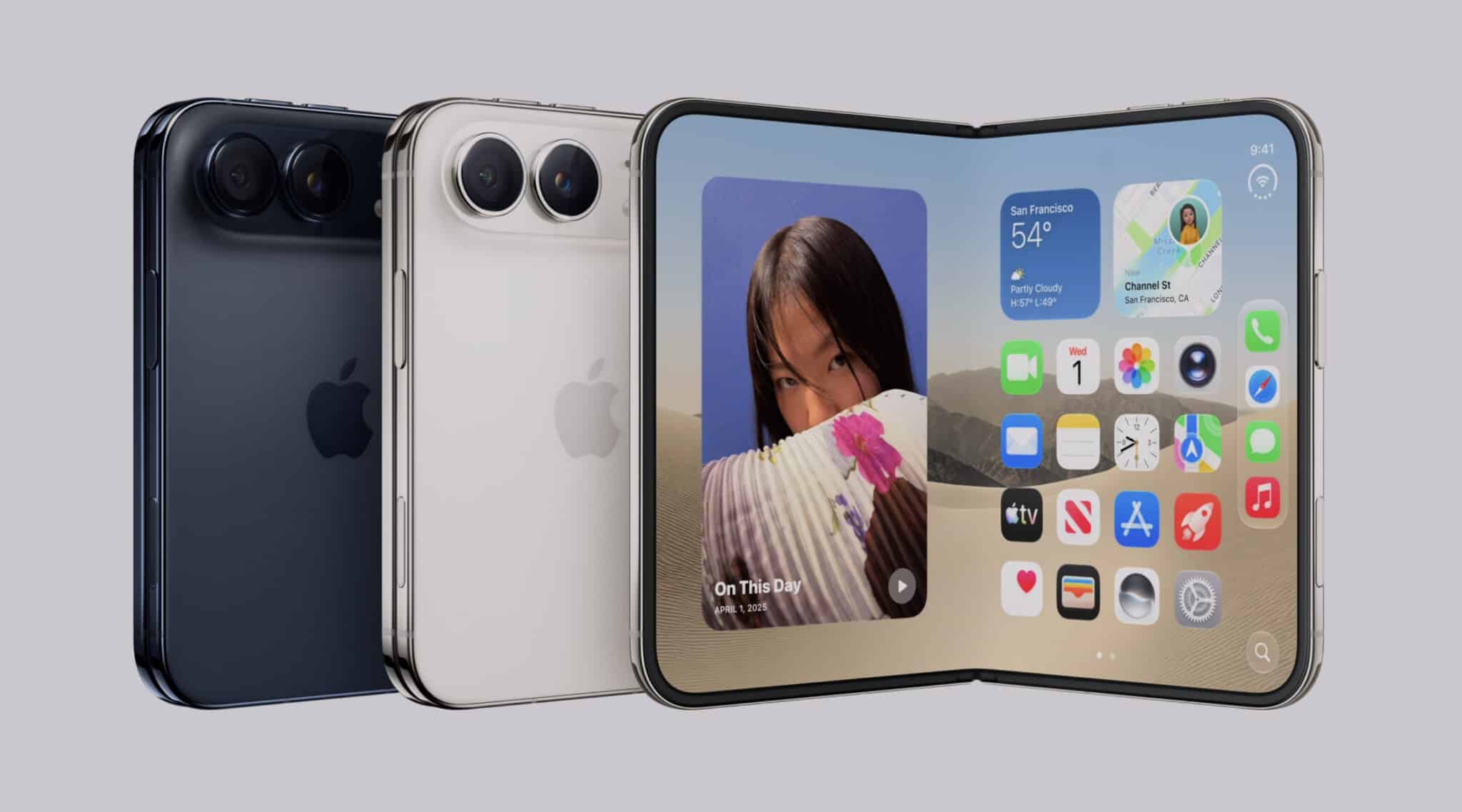
CUPERTINO, CA — When Apple Inc. officially rolled out "Apple Intelligence" to the public, Wall Street and tech enthusiasts alike expected a transformative leap forward. Touted as the biggest upgrade to the iPhone's user experience in a decade, the new, glowing Siri was promised to be a highly intuitive, context-aware digital partner. Instead, early adopters upgrading to iOS 18.1 and watchOS 11 are encountering a starkly different reality.
While the visual redesign—featuring an elegant, pulsating light that wraps around the edge of the screen—has received praise, the underlying utility of the new Siri is drawing sharp criticism. On platforms like Reddit, Apple Support Forums, and X (formerly Twitter), users are voicing frustration over broken features, laggy responses, and what many describe as a "half-baked" product launch. For a company that prides itself on "it just works" seamlessness, this friction represents a rare stumble in user experience design.
The Core Friction: Why the New Siri is Testing User Patience
To understand the depth of consumer frustration, one must look at the gap between Apple's high-octane marketing campaigns and the day-to-day functionality currently available to users. Apple’s valuation hinges heavily on a hardware upgrade supercycle driven by these very AI features. However, early feedback suggests that rather than driving upgrades, the current state of Siri is leaving even loyal customers underwhelmed.
Executive Summary of Key Frustrations:
- Fragmented Rollout: Many of the highly publicized capabilities, such as on-screen awareness and deep in-app actions, are missing, with releases staggered deep into next year.
- Apple Watch Disconnect: The Apple Watch, once a seamless companion, is experiencing significant lag and offline processing failures when paired with the new Siri ecosystem.
- Contextual Amnesia: Despite promises of conversational continuity, Siri frequently loses track of context mid-dialogue, requiring users to repeat their queries.
The 5 Biggest Pain Points Frustrating Apple Users Today
1. The "Coming Soon" Conundrum and Feature Fragmentation
The most widespread complaint is that the version of Siri currently running on devices is missing its most powerful capabilities. Features like semantic intelligence (understanding your personal context across emails, messages, and photos) and on-screen awareness are not yet live. Users who purchased the iPhone 16 Pro specifically for these capabilities are finding that they must wait for future iOS updates (such as iOS 18.2 and beyond) to get the experience they were sold in September. This fragmented rollout has left early adopters feeling like unpaid beta testers.
2. The Apple Watch Performance Bottleneck
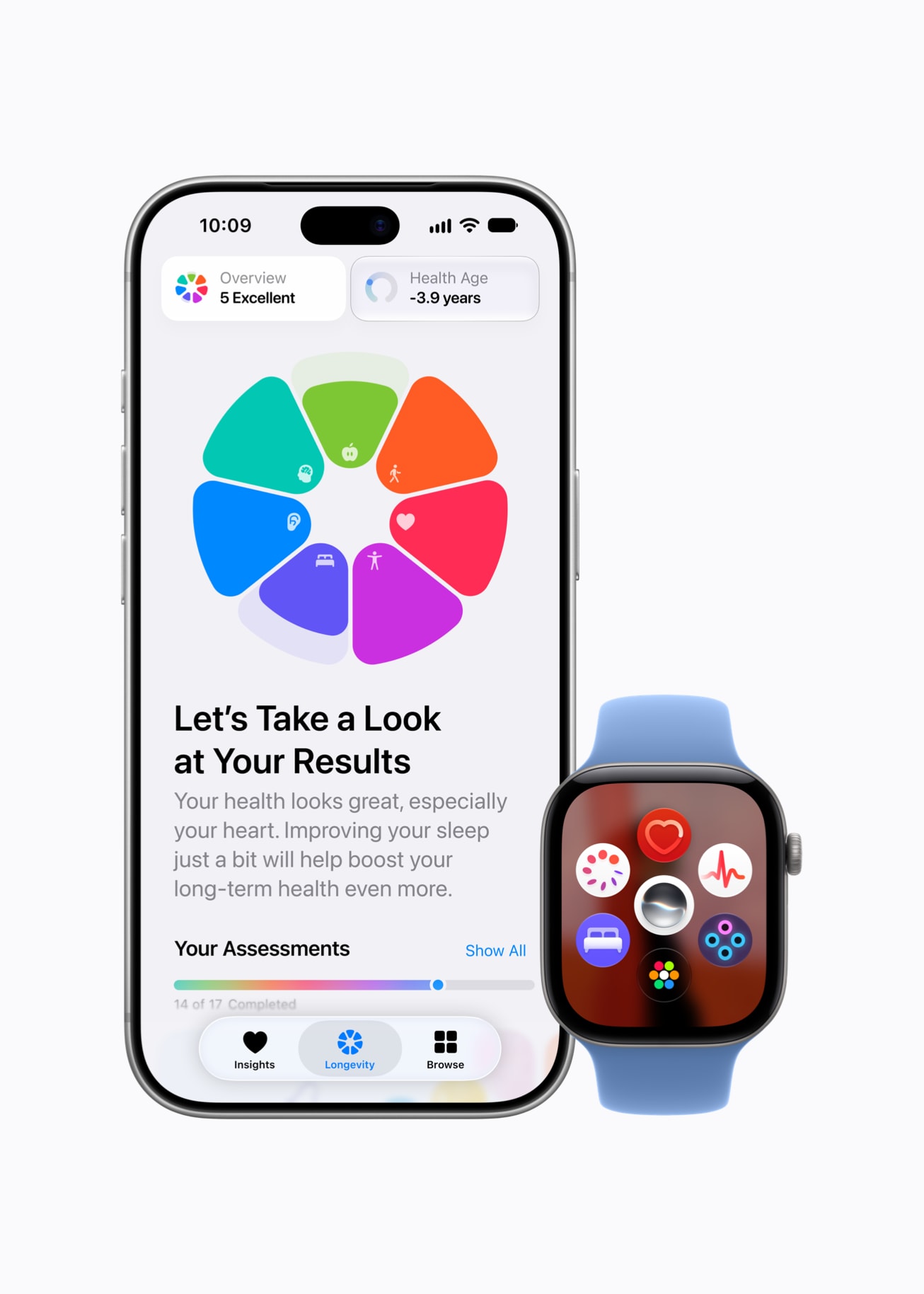
While the iPhone handles the brunt of the Apple Intelligence processing on-device using the A17 Pro and A18 chips, the Apple Watch has been left in a state of limbo. Users running watchOS 11 report that Siri has become sluggish, often displaying a "Still working on that..." or "I'm having trouble connecting" message for basic requests like setting timers or sending quick texts. Because the watch relies heavily on quick, hands-free interactions, even a two-second delay renders the assistant highly frustrating to use during workouts or commutes.
3. Contextual Memory Failures
Apple promised that the new Siri would understand natural, conversational speech, allowing users to stumble over their words or change their minds mid-sentence. While Siri can now handle slight corrections (e.g., "Set an alarm for 7... no, 8 AM"), it struggles with multi-turn conversations. If a user asks, "What is the weather like in New York?" followed by, "How long does it take to drive there?", Siri frequently fails to connect "there" to New York, reverting instead to a web search or asking for clarification.
4. Execution Delays and the "Glowing Border" Illusion
The new Siri replaces the classic glowing orb at the bottom of the screen with a beautiful, screen-border glow. However, users complain that this animation seems to mask underlying processing delays. On-device tasks that used to execute almost instantly under the old Siri architecture—such as toggling smart home lights or playing a specific playlist—now experience noticeable lag. Tech analysts suggest that the local neural engine is taking longer to parse conversational intent before executing the command.
5. Broken Smart Home and Shortcut Integrations
Power users who rely on Apple HomeKit and custom iOS Shortcuts have reported widespread breakages. Complex shortcuts that previously executed flawlessly via voice commands now trigger errors. Siri frequently responds with "I couldn't find that shortcut" or "Something went wrong," forcing users to open their devices and manually trigger actions they previously controlled hands-free.
Siri AI: Expectations vs. Reality
The table below outlines the contrast between what Apple showcased during its worldwide developer announcements and what users are experiencing in the initial public releases.
| Feature Area | The Promised AI Capability | Current Real-World Status | User Friction Level |
|---|---|---|---|
| Conversational Flow | Seamless, natural dialogue with mid-sentence corrections. | Handles basic stumbles well, but fails on multi-turn context. | Moderate |
| On-Screen Awareness | Siri understands what is on your screen and takes action. | Delayed to late 2024 / early 2025 updates. | High (Missing Feature) |
| Apple Watch Integration | Fast, local processing of health and daily tasks. | Noticeable lag, connection drop-outs, and hand-off errors. | High |
| Smart Home Control | Instant, reliable execution of local HomeKit scenes. | Frequent "Device not responding" errors and execution lag. | Moderate |
The Business Outlook: What This Means for Apple's Q4 and Beyond
From an investment perspective, the stakes could not be higher. Wall Street analysts view Apple Intelligence as the primary catalyst for a massive iPhone upgrade cycle. However, if early adopter sentiment remains mixed, mainstream consumers may decide to hold onto their older devices for another year.
"Apple is playing a long game with generative AI, but consumers operate in the present," says Dan Ives, Senior Equity Analyst at Wedbush Securities. "While the hardware is incredibly capable, the software must deliver immediate value to justify the premium upgrade price. Apple needs to accelerate the deployment of the full Apple Intelligence suite to maintain its momentum heading into the crucial holiday shopping season."
For now, Apple is pushing forward with its planned beta schedules, promising that the upcoming iOS updates will resolve the current friction points. However, until those updates arrive, the new Siri remains a polished, beautiful, but ultimately incomplete assistant.
Frequently Asked Questions (FAQ)
Can I disable the new Siri visual style and go back to the old version?
No, you cannot downgrade to the classic glowing orb Siri style if you have updated to iOS 18.1 or later on an Apple Intelligence-compatible device (iPhone 15 Pro and iPhone 16 models). The new edge-glowing interface is the permanent default for these devices. However, you can adjust Siri's voice feedback settings in Settings > Siri & Search to make responses faster.
Why are some Siri features missing on my iPhone 16?
Apple is deploying Apple Intelligence in a phased rollout. Key features like ChatGPT integration, Genmoji, and Image Playground are scheduled for the iOS 18.2 release, while advanced features like on-screen awareness and personal context understanding are not expected until early 2025. Keeping your device updated to the latest iOS public beta or official release is the only way to access these features as they become available.