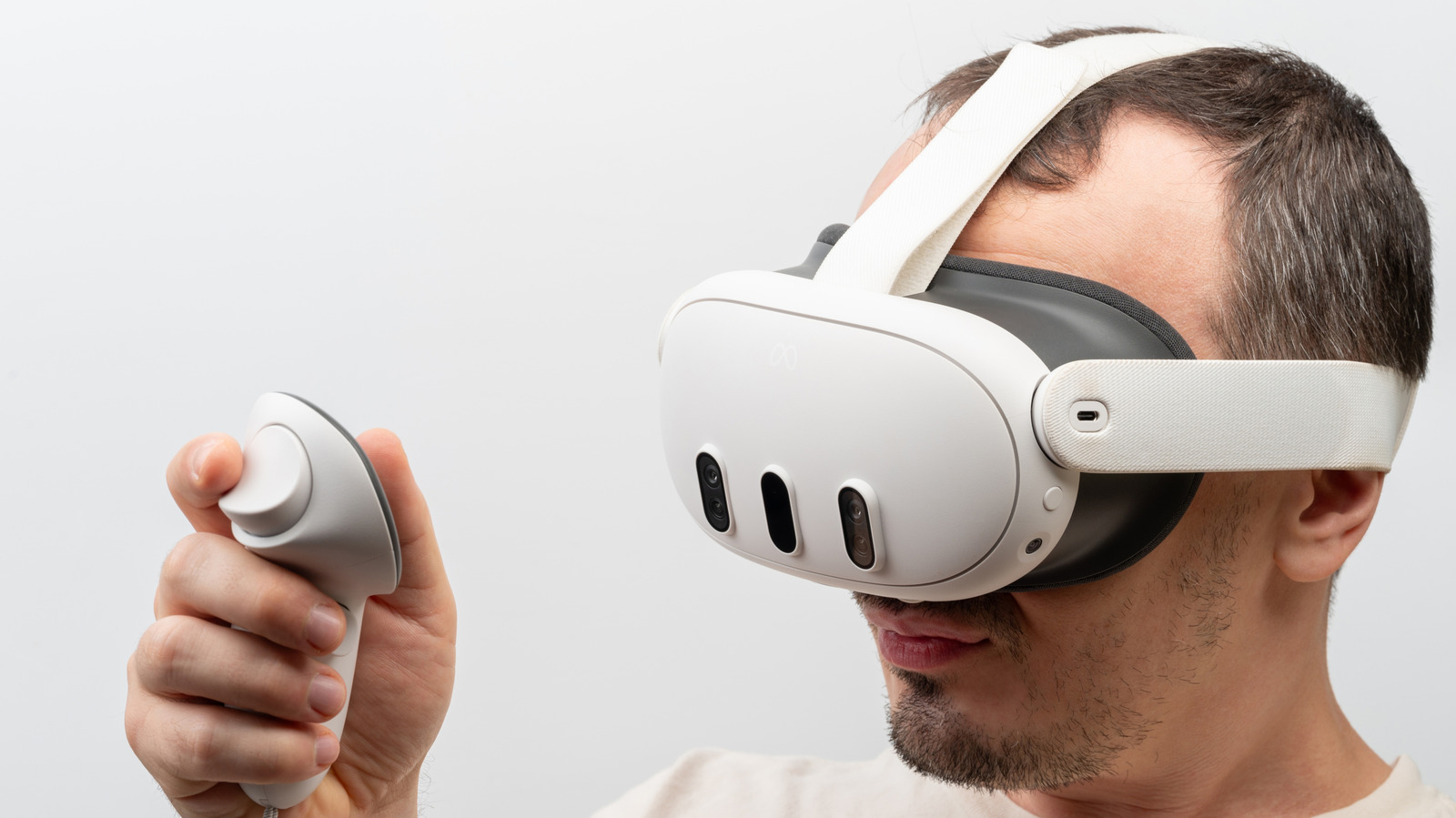
MENLO PARK, CA — As Meta Platforms Inc. continues its aggressive push to dominate the mixed-reality landscape, a critical question has emerged among tech enthusiasts, developers, and hardware investors alike: How does the silicon powering the Meta Quest 3 stack up against mainstream PC graphics cards?
With Nvidia Corporation currently sitting at a multitrillion-dollar valuation driven by its graphics processing units (GPUs), benchmarking standalone VR hardware against Nvidia’s desktop standard has become the ultimate litmus test for mobile computing progress. While the Quest 3 delivers stunning, untethered virtual worlds, its internal hardware tells a fascinating story of extreme optimization, thermal constraints, and a direct equivalence to a classic Nvidia workhorse.
The short answer? On a raw architectural and computational level, the Meta Quest 3's graphics processor is roughly equivalent to the Nvidia GeForce GTX 1050 Ti or a low-power GTX 1650 (Laptop GPU). However, due to advanced software tricks, the user-perceived performance punches far above its weight class.
---Inside the Quest 3: The Qualcomm Snapdragon XR2 Gen 2
To understand the Nvidia equivalence, we must first look at the silicon under the Quest 3’s visor. The headset is powered by the Qualcomm Snapdragon XR2 Gen 2 system-on-chip (SoC). This chip represents a massive generational leap over the Quest 2, offering up to a 2.5x increase in GPU performance.
The graphics engine inside this SoC is an upgraded variant of the Adreno 740 GPU. Built on a highly efficient 4-nanometer process node, this mobile GPU is designed to operate within a strict thermal envelope of just 5 to 7 watts. By comparison, modern desktop Nvidia GPUs pull anywhere from 115 to 450 watts of electricity.
Despite this massive power disparity, the Adreno 740 managed to breach a historic milestone for mobile gaming, delivering roughly 2.4 to 3.1 Teraflops (TFLOPS) of single-precision floating-point performance.
---The Nvidia Matchup: Why the GTX 1050 Ti and GTX 1650 Are the True Equivalents
When comparing the Quest 3 to Nvidia’s desktop catalog, hardware analysts look directly at raw TFLOPS, memory bandwidth, and real-world rendering pipelines.
- The GTX 1050 Ti Comparison: Released in late 2016, Nvidia's GTX 1050 Ti delivers approximately 2.1 TFLOPS of compute power. The Quest 3 outpaces this card in raw theoretical math but faces bottlenecks in memory bandwidth and thermal throttling over extended play sessions, making their real-world sustained rendering capacities remarkably similar.
- The GTX 1650 Comparison: Nvidia’s GTX 1650 (Turing architecture) outputs roughly 3.0 TFLOPS. Under optimal cooling conditions, the Quest 3's Adreno 740 can match the compute output of a low-power, laptop-variant GTX 1650, though the desktop card still maintains an edge in memory bus width (128-bit vs. the Quest’s mobile architecture).
For gamers, this means the Quest 3 is essentially strapping a highly optimized, ultra-low-power GTX 1050 Ti / GTX 1650-class machine directly to your face.
---Specs Comparison: Meta Quest 3 vs. Nvidia Budget GPUs
The following data highlights how the Meta Quest 3’s internal processing unit compares to its closest Nvidia desktop counterparts:
| Specification | Meta Quest 3 (Adreno 740) | Nvidia GeForce GTX 1050 Ti | Nvidia GeForce GTX 1650 | |
|---|---|---|---|---|
| Architecture | Qualcomm Adreno (ARM) | Pascal (Desktop x86) | Turing (Desktop x86) | |
| Process Node | 4nm (TSMC) | 14nm (Samsung) | 12nm (TSMC) | |
| Raw Compute (FP32) | ~2.4 - 3.1 TFLOPS | ~2.1 TFLOPS | ~3.0 TFLOPS | |
| Average Power Draw | 5W - 8W | 75W | 75W | |
| System Memory / VRAM | 8GB LPDDR5 (Unified) | 4GB GDDR5 (Dedicated) | 4GB GDDR5/GDDR6 (Dedicated) |
The Optimization Secret: Why Quest 3 Feels Much Faster
If the Quest 3 is only running on 2016-era entry-level GPU power, how is it capable of driving crisp 4K-like visuals (2064x2208 pixels per eye) at 90Hz or 120Hz? The answer lies in advanced software optimization and VR-specific rendering technologies.
1. Foveated Rendering
Because the human eye only sees in high detail at the very center of our gaze, the Quest 3 uses fixed foveated rendering. The system drops the rendering resolution at the periphery of the lenses where the user isn't looking, saving up to 30% to 40% of GPU compute cycles.
2. Application SpaceWarp (ASW)
When games get graphically intense, the headset uses motion vectors to generate every other frame synthetically. This allows a game to internally render at 45 frames per second (FPS) while presenting a buttery-smooth 90 FPS experience to the user, effectively cutting the GPU workload in half.
3. Mobile-First Graphics APIs
Developers targeting the Quest 3 utilize Vulkan API optimizations designed specifically for tile-based mobile renderers. This results in far less overhead than desktop DX11 or DX12 APIs, allowing developers to squeeze every ounce of performance out of the silicon.
---The Strategic Outlook: Meta’s Chip Independent Play
For Meta, keeping the Quest 3 within this specific silicon performance tier is a calculated business move. By utilizing Qualcomm’s standard architecture rather than custom silicon (like Apple's ultra-premium M2/R1 chips in the Vision Pro), Meta keeps the Quest 3 at a consumer-friendly $499 price point.
However, the industry is shifting quickly. As Meta integrates more AI features and spatial anchors into its Horizon OS, the demand for local NPU (Neural Processing Unit) power will grow. Qualcomm’s next-generation platforms will likely push standalone VR into the realm of Nvidia’s RTX 3050 series within the next two years, blurring the line between mobile headsets and dedicated PC rigs even further.
---Frequently Asked Questions
Can I connect the Meta Quest 3 to an Nvidia GPU to play PCVR games?
Yes. By using Oculus Link, Air Link, or Virtual Desktop, you can connect the Quest 3 to a Windows PC. In this configuration, the headset acts as a display, and your computer’s Nvidia GPU (such as an RTX 3060, 4070, or higher) does all the heavy graphical rendering, allowing you to play high-fidelity PC VR games like Half-Life: Alyx.
Why does the Quest 3 use a mobile chip instead of a dedicated desktop GPU?
A desktop GPU requires hundreds of watts of power, active fan cooling, and a constant connection to a wall outlet. To keep the Quest 3 wireless, lightweight, and thermally safe to wear on your face, Meta must use an ultra-efficient, low-wattage mobile SoC like the Snapdragon XR2 Gen 2.